
Dig through the rock, plant the charge, get clear. The last miner standing wins the round. Between rounds there is a shop, and the money for it comes out of the ground.
The mobile version: touch controls, the same match as on desktop.
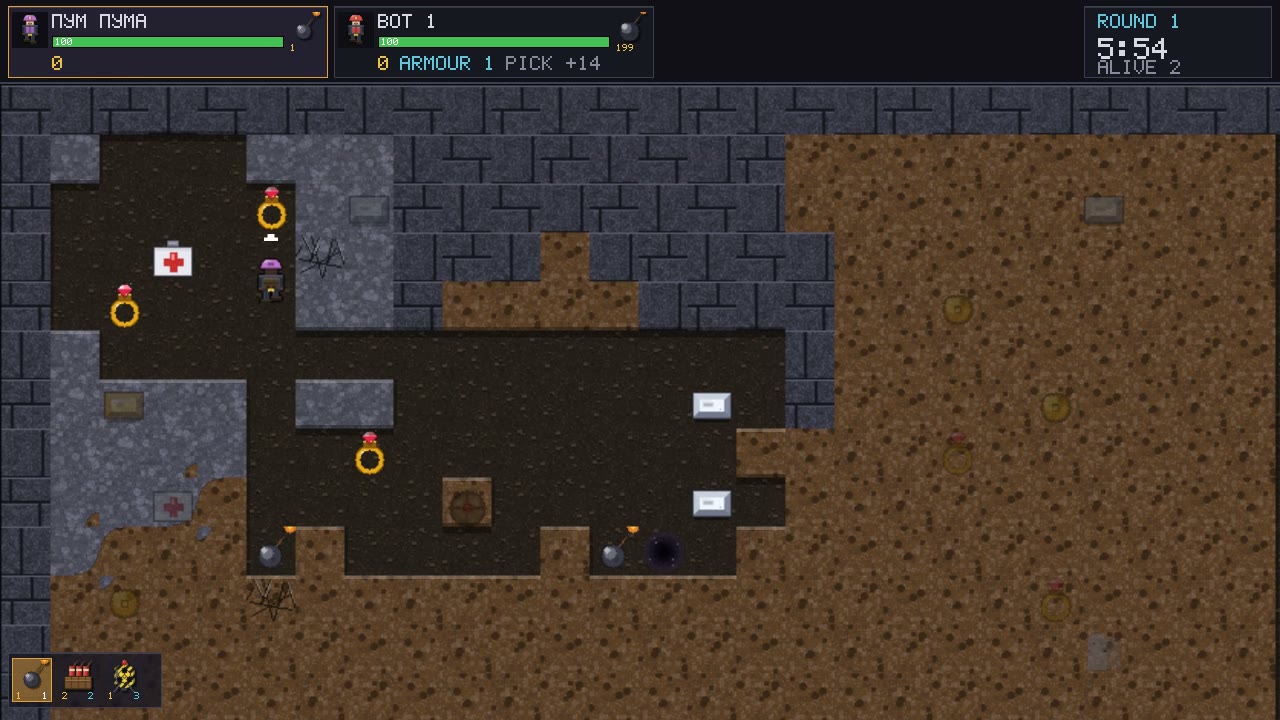
Underboom is a top-down 2D game: a grid of soil and rock, a pickaxe, rivals, and more than forty kinds of explosives and gear. A round lasts until only one miner is left alive. Treasure dug out of the rock becomes coins, and coins become bombs, mines, rockets, a flamethrower and armour for the next round. Fight bots, friends at one keyboard, over your local network or across the internet.
Rock of varying hardness, treasure, medkits, caves and teleports. Bombs tear open the ground — a path for you or a trap for your rival.
Small and heavy bombs, dynamite, mines and tripwires, rockets, a mole, cluster bombs, barrels of fire and acid, napalm, a flamethrower, cryo charges, armour and better pickaxes.
A burning barrel spills fire through every cavity, stockpiles chain-detonate, gas and ice spread, darkness hides the map — every round plays out differently.
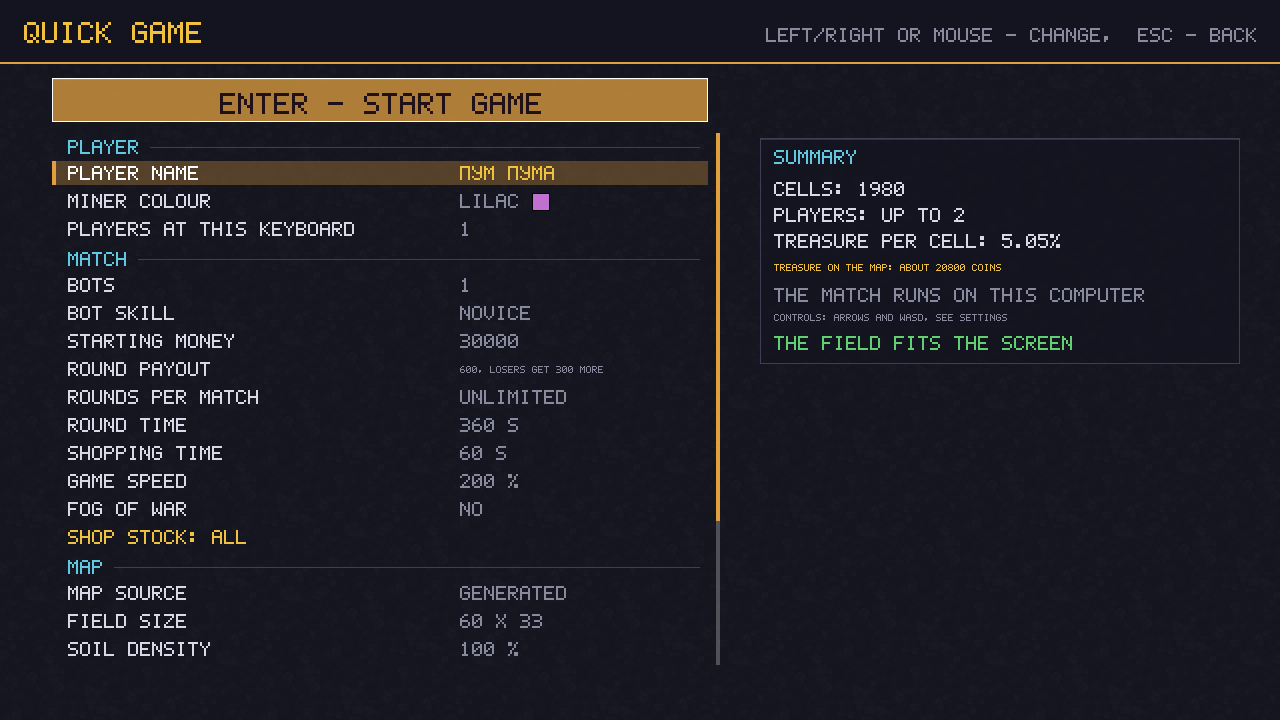
From rookie to veteran: they shop, dig for treasure, hunt and dodge. Good sparring while your friends are offline.
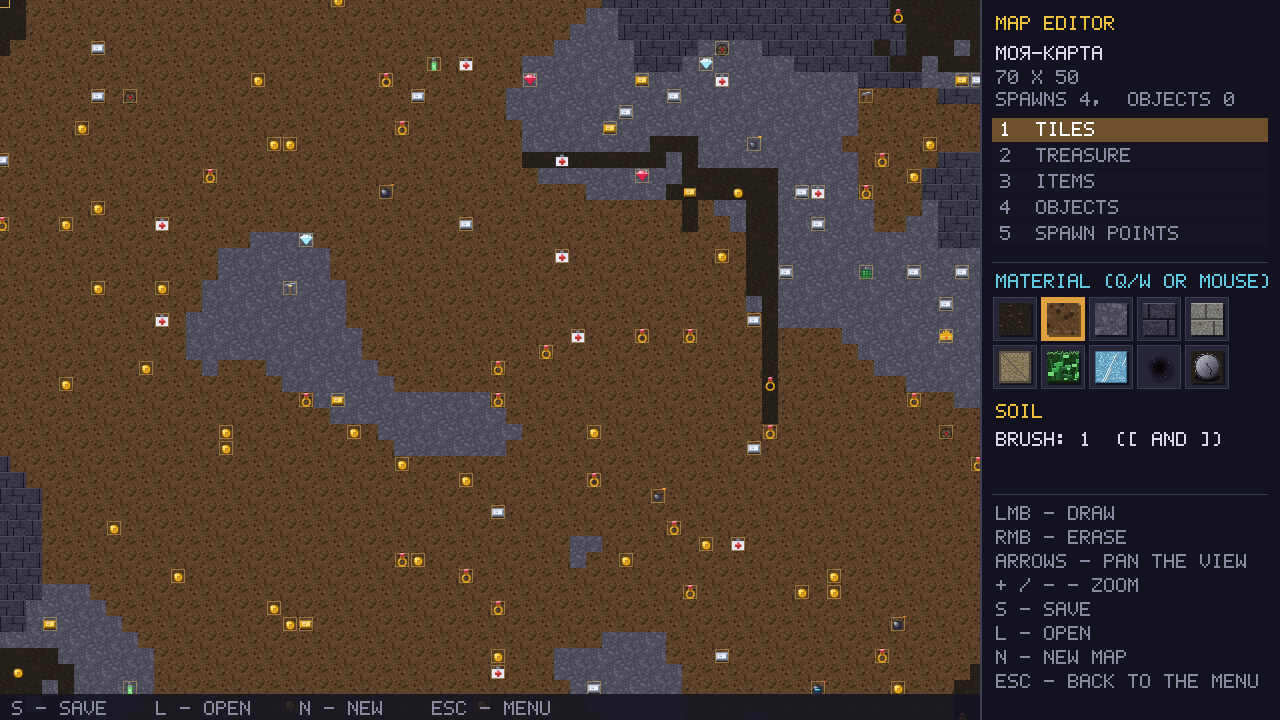
Your own maps with start points, treasure and items. Generated and hand-drawn maps play online exactly like the built-in ones.
On Android: touch controls and the same online world. On desktop: keyboard, gamepads, and two players at one keyboard.

The game is free. No installer: unpack the archive and run it. The desktop builds check these servers for updates on their own.
curl -fsSL https://underboom.com/dl/install-macos.sh | shpowershell, Enter; paste the command into the window and press Enter. It downloads the game, puts it into your user folder, creates a desktop shortcut and launches it.
irm https://underboom.com/dl/install-windows.ps1 | iexYes. No ads, no registration, no purchases. Download the archive for Windows or macOS or the APK for Android and play.
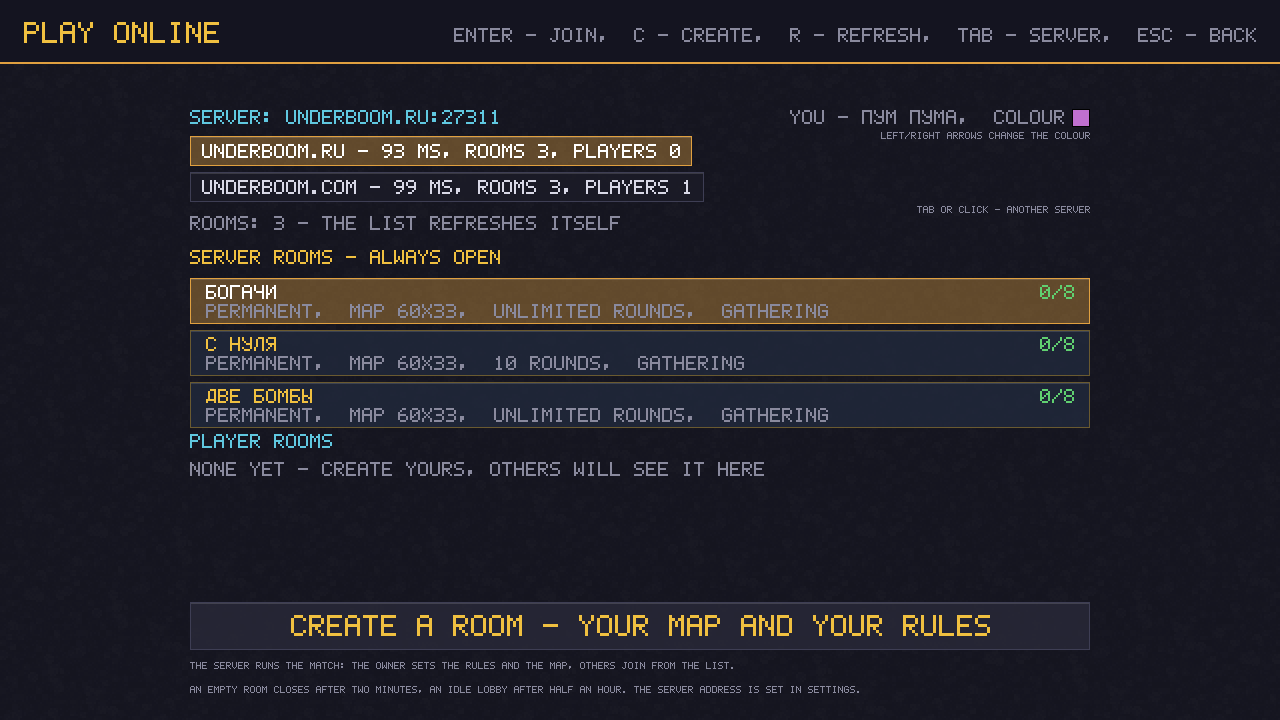
The Network play menu: rooms on the underboom.com and underboom.ru servers and hosts on your local network on one screen. Pick a room or create your own; on a local network one player hosts, the others find the game in the list or type the host address.
Windows 10 or newer (64-bit), macOS 11 or newer (Apple Silicon and Intel), Android 7.0 or newer. About 10 MB, no installer.
Download underboom-android.apk, open it and allow installs from this source. Updates install the same way; settings and maps are kept.
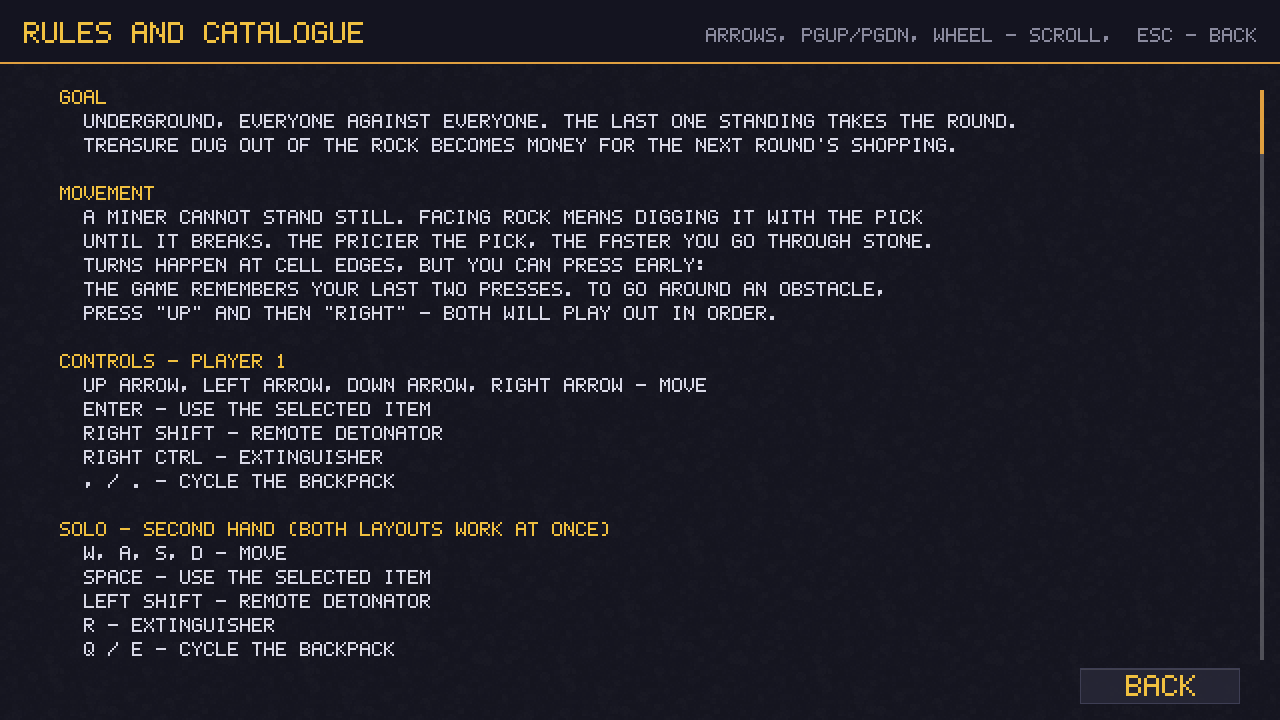
Yes: two players at one keyboard (arrow keys and WASD) or gamepads. Bots can be added to any game.
Up to eight people in one room, plus bots on four skill levels. A room can be locked with a password.
Reviews are published on both sites of the game, in Russian and in English. The author receives a copy of every review and can remove spam. If you want to say something privately, use the form below.
Every message from this form is forwarded automatically to the author's e-mail. Leave a contact and the author can reply. Found a bug? Say which version, which platform and what you were doing — it makes it much easier to reproduce.